Screenshots
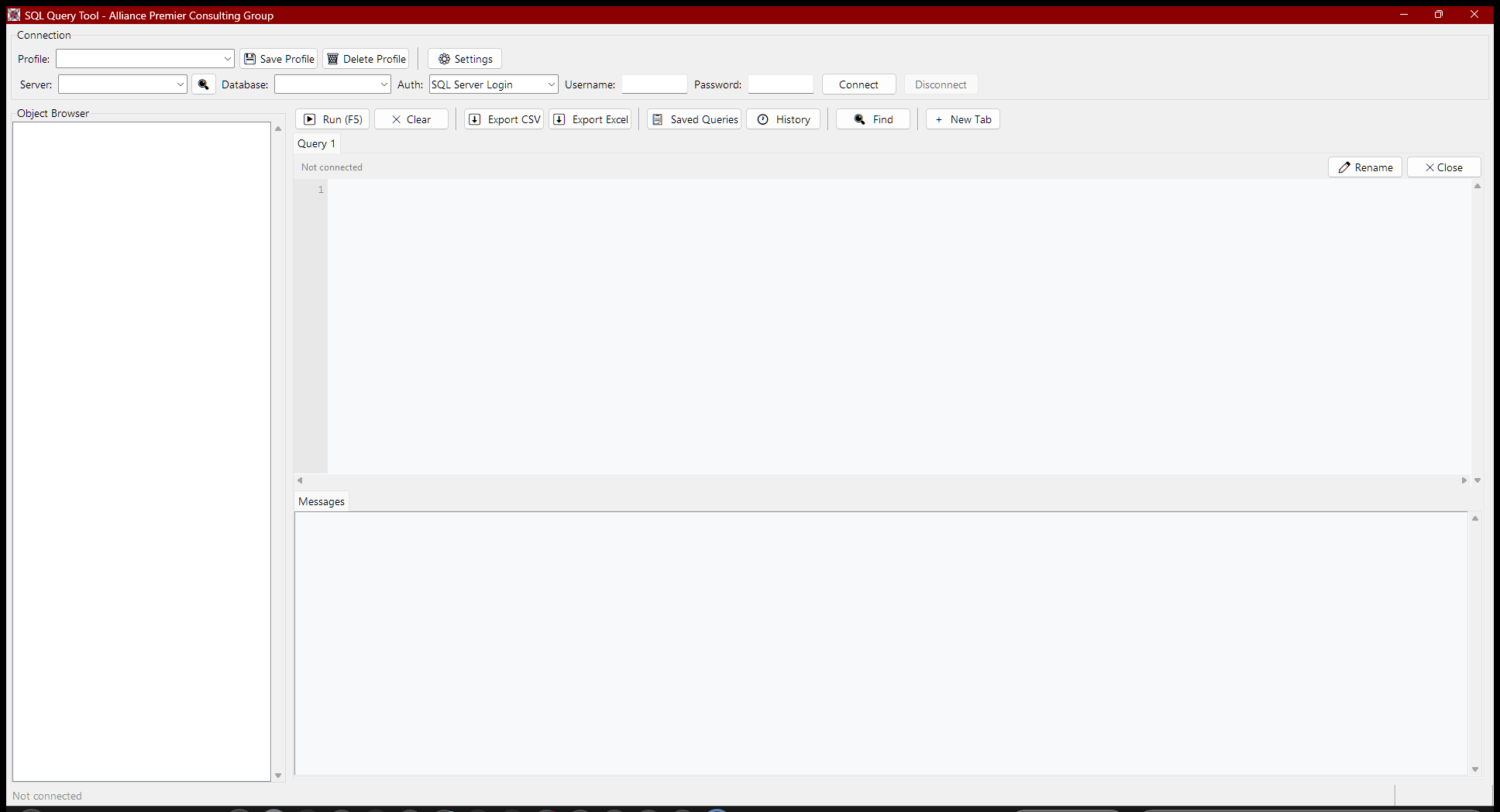
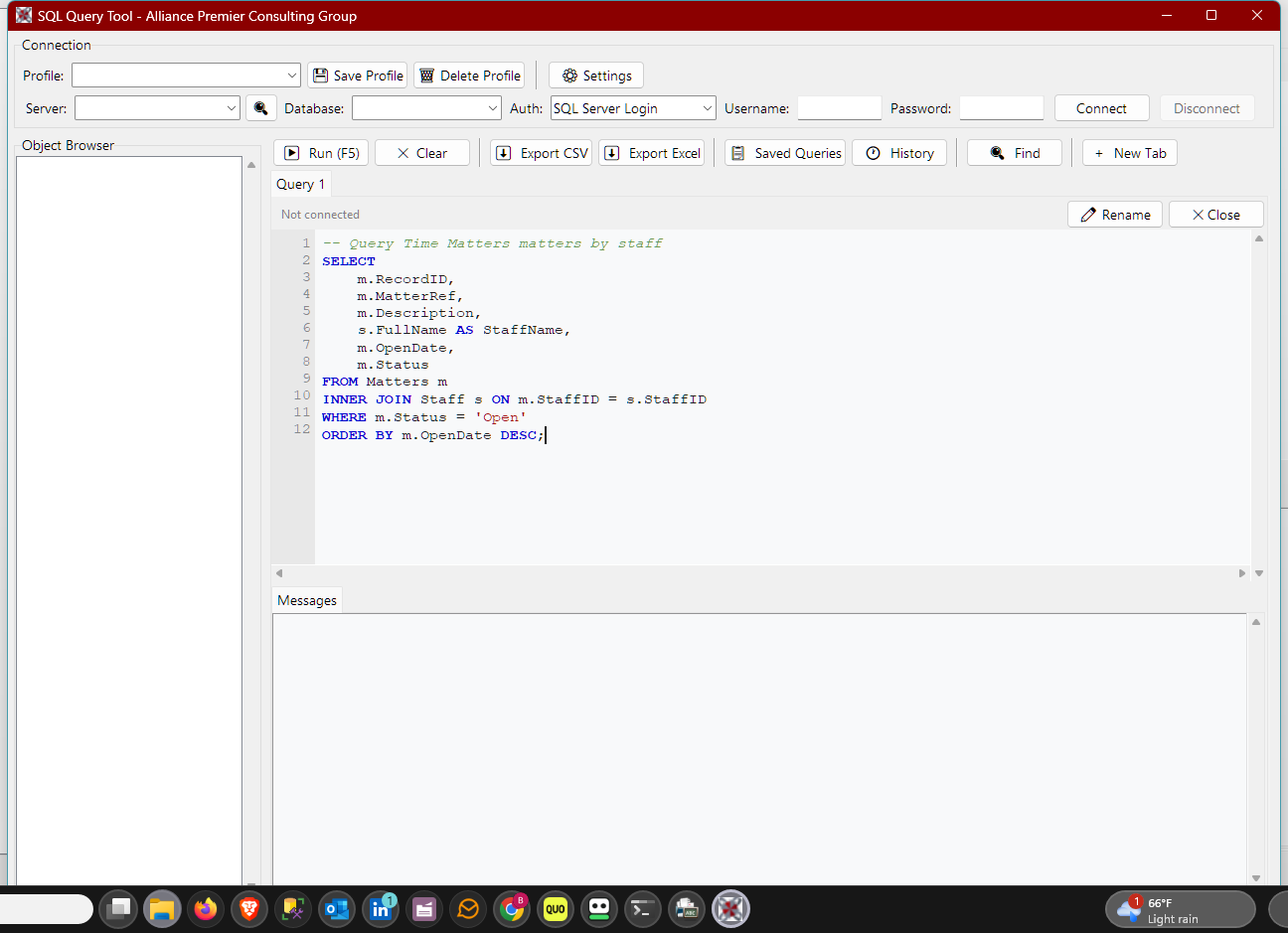
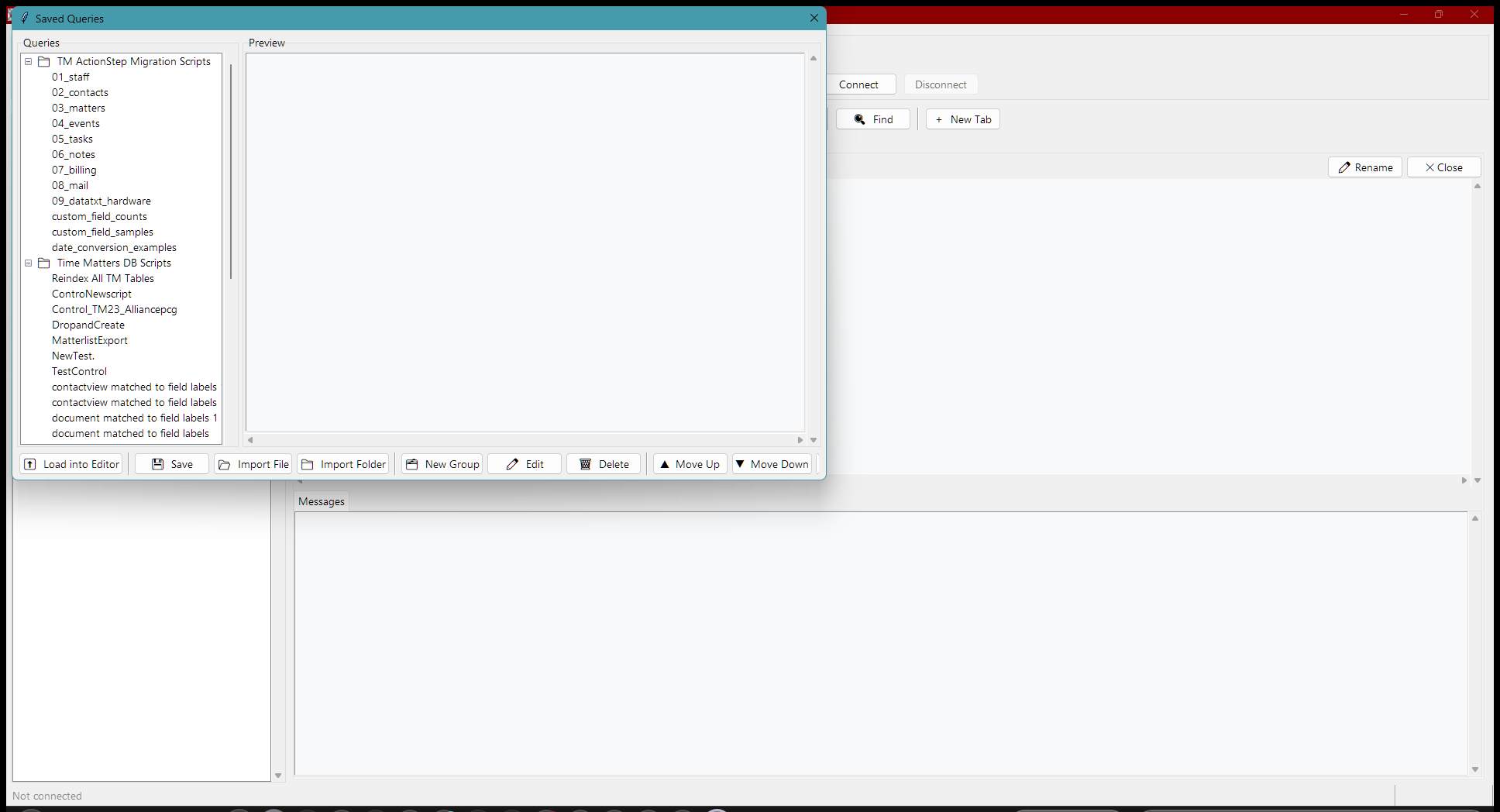
Click any screenshot to view full size.
A lightweight desktop app for querying SQL Server databases — no SSMS required.
Free · Windows 10 / 11 · Windows Server 2016 or higher · SQL Server 2012 or later · No installation required · Portable
The Alliance PCG SQL Query Tool is a free Windows desktop application for running SQL queries against any SQL Server database — without needing SQL Server Management Studio (SSMS) installed. It was built specifically for SQL Server-based software, giving consultants a fast, focused tool for database work.
Automatically finds SQL Server instances on your network by scanning the Windows registry, running sqlcmd, and checking ODBC DSNs. No manual server entry needed.
Save named connection profiles for each server and database you work with. Switch between clients in seconds without re-entering credentials.
Browse databases, schemas, tables, and views in a collapsible tree. Double-click any table to run a SELECT TOP 100. Right-click for SELECT COUNT(*), DDL script, and INSERT template.
Full SQL editor with syntax highlighting — keywords, data types, functions, strings, numbers, and comments each colored distinctly. Tab inserts 4 spaces. Find and Replace built in.
Each query opens in its own result tab. Run up to 10 queries and keep results side by side. Click any column header to sort. Double-click any row to see all field values.
Save any query by name and reload it instantly from your saved library. Build a personal collection of your most-used queries — reports, lookups, and diagnostics — and run them in one click without retyping.
Every query you run is automatically saved with its timestamp, row count, elapsed time, server, and database. Reload any past query in one click.
Export any result set to CSV or Excel with a single click. Excel exports include a styled header row and auto-sized columns.
Supports both Windows Authentication and SQL Server login. Saved profiles store your preferred auth method per server.
Click any screenshot to view full size.
| Requirement | Detail |
|---|---|
| Operating System | Windows 10 or Windows 11 (64-bit) · Windows Server 2016 or higher |
| SQL Server Driver | ODBC Driver 17 for SQL Server (free from Microsoft) |
| SQL Server | SQL Server 2012 or later — any edition including Express |
| Network Access | TCP/IP access to the SQL Server instance on port 1433 |
| Permissions | SQL Server login or Windows account with at minimum db_datareader on the target database |
| Installation | None — single .exe file, runs directly |
Download the tool, double-click the .exe, and connect to your first database in under a minute.